particle.js实现背景粒子化
particle.js实现背景粒子化
Particles.js是一个轻量级的JavaScript库,用于创建看起来像多边形顶点的粒子。我们还可以通过将鼠标悬停在粒子上来进行交互,并通过单击粒子来创建更多粒子。
1.实例
折线效果。
<!--文档类型声明-->
<!DOCTYPE HTML>

<!--根标签是HTML-->
<html>
<head>
    <title>这里是页面的标题</title>
    <meta charset="utf-8"/>
    <style>
        h1{
            text-align: center;
        }
        #particle-container{
            width: 800px;
            height: 600px;
            margin: 0 auto;
            border: 1px solid #ccc;
        }
        #particle-container canvas{
            display: block;
            background: #a72c2c;
        }
    </style>
</head>

<body>

<h1>particle.js实现背景颗粒化</h1>
<hr>

<div id="particle-container">

</div>

<script src="https://lf3-cdn-tos.bytecdntp.com/cdn/expire-1-M/particles.js/2.0.0/particles.min.js"></script>
<script src="script/index.js"></script>
</body>
</html>
script/index.js
//随机折现效果控制器
particlesJS("particle-container", {
    "particles": {
        "number": {
            "value": 80,
        },
        "color": {
            "value": "#ffffff"
        },
        "opacity": {
            "random": true,
        },
        "size": {
            "value": 3,
            "random": true,
        },
        "line_linked": {
            "enable": true,
            "distance": 150,
            "color": "#ffffff",
            "opacity": 0.4,
            "width": 1
        },
        "move": {
            "enable": true,
            "speed": 6,
            "direction": "none",
            "straight": false
        }
    }
});
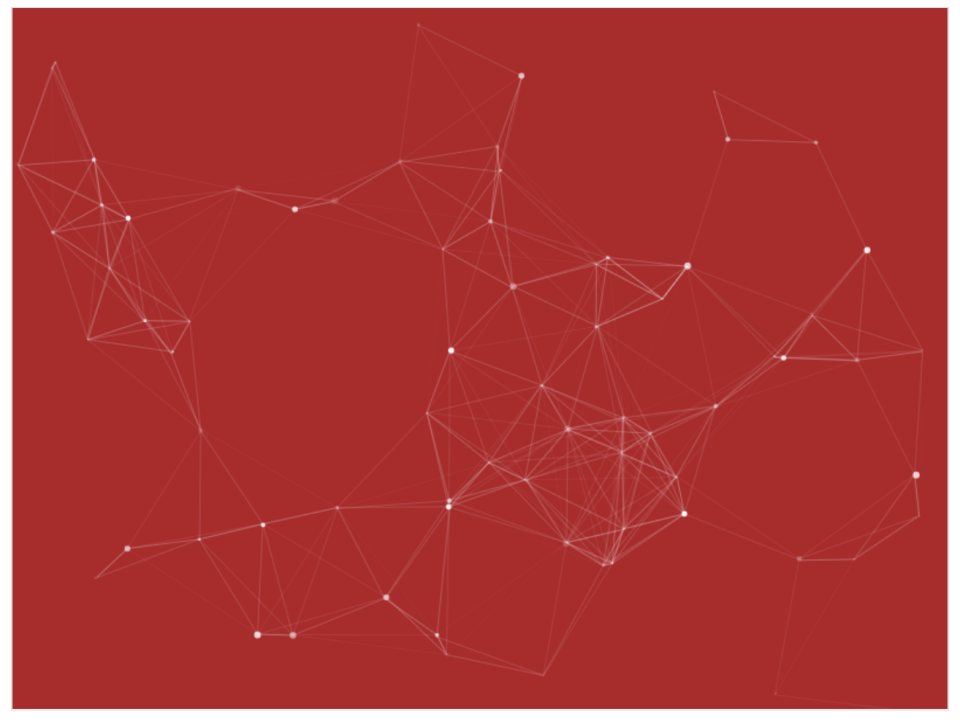
页面效果:
雪花效果。
//雪花粒子控制器

particlesJS("particle-container", {
    "particles": {
        "number": {
            "value": 100,
            "density": {
                "enable": true,
                "value_area": 800
            }
        },
        "color": {
            "value": "#ffffff"
        },
        "shape": {
            "type": "circle",
            "stroke": {
                "width": 0,
                "color": "#000000"
            },
            "polygon": {
                "nb_sides": 5
            }
        },
        "opacity": {
            "value": 0.5,
            "random": false,
            "anim": {
                "enable": false,
                "speed": 1,
                "opacity_min": 0.1,
                "sync": false
            }
        },
        "size": {
            "value": 3,
            "random": true,
            "anim": {
                "enable": false,
                "speed": 40,
                "size_min": 0.1,
                "sync": false
            }
        },
        "line_linked": {
            "enable": 0,
            "distance": 150,
            "color": "#ffffff",
            "opacity": 0.4,
            "width": 1
        },
        "move": {
            "enable": true,
            "speed": 3,
            "direction": "bottom",
            "random": false,
            "straight": false,
            "out_mode": "out",
            "bounce": false,
            "attract": {
                "enable": false,
                "rotateX": 600,
                "rotateY": 1200
            }
        }
    }
});