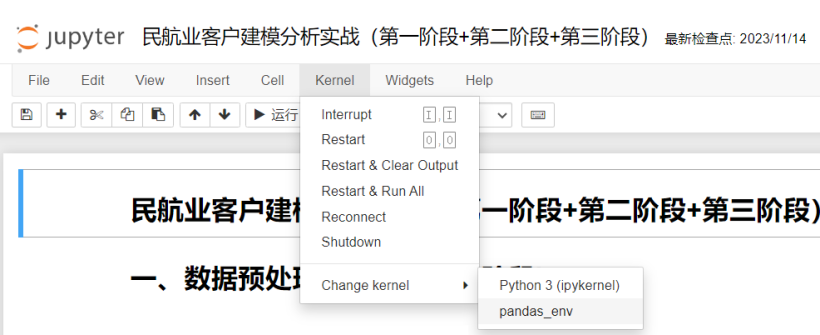
jupyter notebook切换环境
jupyter notebook切换环境
jupyter notebook切换环境
1.jupyter notebook如何切换环境
1).查看conda现有的环境
(base) PS C:\Users\Admin> conda env list
# conda environments:
#
pandas_env               C:\Users\Niu\.conda\envs\pandas_env
pytorch_env              C:\Users\Niu\.conda\envs\pytorch_env
tensorflow_env           C:\Users\Niu\.conda\envs\tensorflow_env
base                  *  D:\anaconda3
2).激活要切换的环境
(base) PS C:\Users\Admin> conda activate pandas_env
(pandas_env) PS C:\Users\Admin>
3).安装ipykernel包
(pandas_env) PS C:\Users\Admin>pip install ipykernel -i https://pypi.tuna.tsinghua.edu.cn/simple
4).将环境加载进jupyter中
#pandas_env为环境名
(pandas_env) PS C:\Users\Admin>python -m ipykernel install --name pandas_env
5).打开jupyter notebook 更换环境