Flume自定义组件
Flume自定义组件
Flume自定义组件。
1.自定义组件
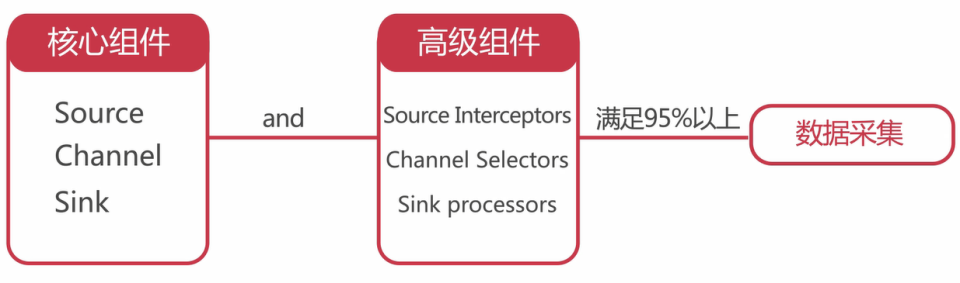
Flume有核心组件和高级组件,针对这些组件,Flume都内置提供了组件的很多具体实现,在实际工作中,95%以上的数据采集需求都是可以满足的,但是谁也不敢保证100%都能满足,因为什么奇葩的需求都会有,那针对系统内没有提供的一些组件怎么办呢?
我们可以通过Flume Developer Guide 实现自定义组件。
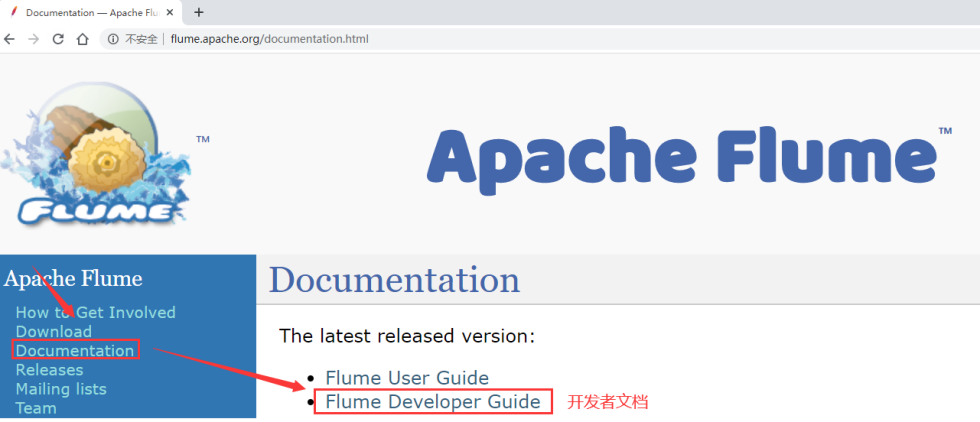
只不过开发者文档里面目前还不算太完善,但是基本source、sink组件的自定义过程在这里都是有的。
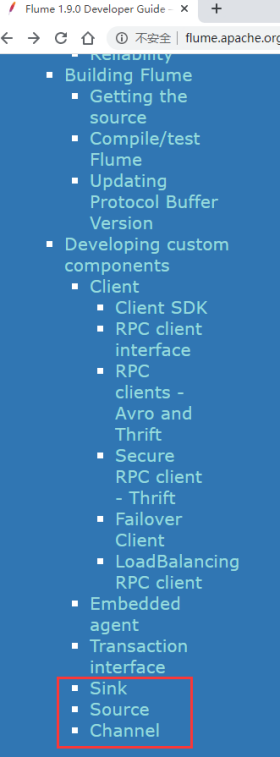
例如:自定义source
public class MySource extends AbstractSource implements Configurable, PollableSource {
  private String myProp;

  @Override
  public void configure(Context context) {
    String myProp = context.getString("myProp", "defaultValue");

    // Process the myProp value (e.g. validation, convert to another type, ...)

    // Store myProp for later retrieval by process() method
    this.myProp = myProp;
  }

  @Override
  public void start() {
    // Initialize the connection to the external client
  }

  @Override
  public void stop () {
    // Disconnect from external client and do any additional cleanup
    // (e.g. releasing resources or nulling-out field values) ..
  }

  @Override
  public Status process() throws EventDeliveryException {
    Status status = null;

    try {
      // This try clause includes whatever Channel/Event operations you want to do

      // Receive new data
      Event e = getSomeData();

      // Store the Event into this Source's associated Channel(s)
      getChannelProcessor().processEvent(e);

      status = Status.READY;
    } catch (Throwable t) {
      // Log exception, handle individual exceptions as needed

      status = Status.BACKOFF;

      // re-throw all Errors
      if (t instanceof Error) {
        throw (Error)t;
      }
    } finally {
      txn.close();
    }
    return status;
  }
}
例如:自定义sink
public class MySink extends AbstractSink implements Configurable {
  private String myProp;

  @Override
  public void configure(Context context) {
    String myProp = context.getString("myProp", "defaultValue");

    // Process the myProp value (e.g. validation)

    // Store myProp for later retrieval by process() method
    this.myProp = myProp;
  }

  @Override
  public void start() {
    // Initialize the connection to the external repository (e.g. HDFS) that
    // this Sink will forward Events to ..
  }

  @Override
  public void stop () {
    // Disconnect from the external respository and do any
    // additional cleanup (e.g. releasing resources or nulling-out
    // field values) ..
  }

  @Override
  public Status process() throws EventDeliveryException {
    Status status = null;

    // Start transaction
    Channel ch = getChannel();
    Transaction txn = ch.getTransaction();
    txn.begin();
    try {
      // This try clause includes whatever Channel operations you want to do

      Event event = ch.take();

      // Send the Event to the external repository.
      // storeSomeData(e);

      txn.commit();
      status = Status.READY;
    } catch (Throwable t) {
      txn.rollback();

      // Log exception, handle individual exceptions as needed

      status = Status.BACKOFF;

      // re-throw all Errors
      if (t instanceof Error) {
        throw (Error)t;
      }
    }
    return status;
  }
}
自定义channel的内容目前还没确定,如果你确实想自定义这个组件,就需要到Flume源码中找到目前支持的那些channel的代码,参考着实现我们自定义的channel组件。
大家在这里知道可以自定义,并且知道自定义组件的文档在哪里就可以了,目前来说,需要我们自定义组件的场景实在是太少了。